

Videos
Watch KleanFlo setup walkthroughs and training recordings. Embedded videos play inside this hub; Teams recordings open in Microsoft Teams or SharePoint and require the right Microsoft account permissions.
Attendance
Check-in & Check-out Options
Use this video to explain the main ways staff can record attendance: GPS check-in, NFC tag scan, and known landline phone check-in.
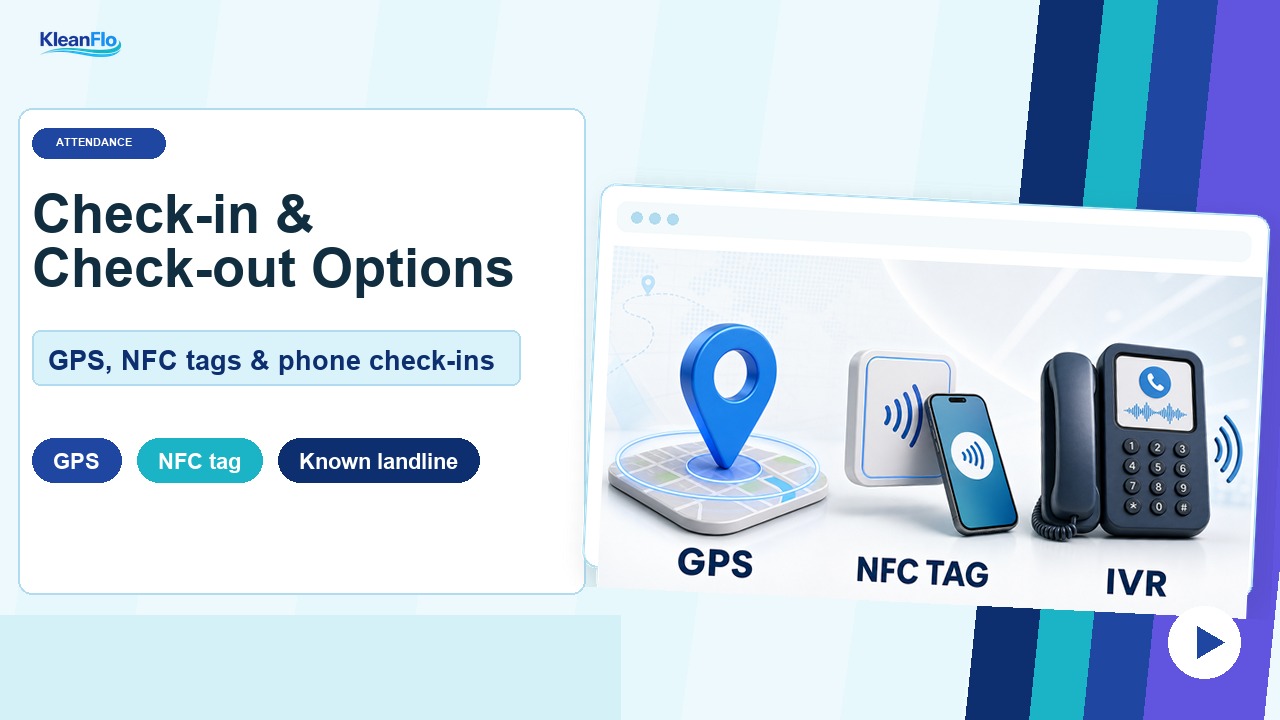
GPSUse the normal mobile app check-in where the staff member's phone location can be checked against the site geofence.
NFC tagUse Scan card when the site has an NFC tag configured and staff should scan the card instead of using GPS.
Known landlineUse phone check-in when the site landline and staff phone check-in ID are configured.
TimesheetsReview check-ins, check-outs, location flags, NFC entries, and IVR entries from Timesheets.
Training recording
Betterclean to KleanFlo training course recording
This is the two-hour training session recording from Teams. Use it when franchisees need to replay the wider onboarding walkthrough.
How it opensThe recording opens in Microsoft Teams or SharePoint, not inside this static page.
Who can view itOnly people who have been granted access to the Teams/SharePoint recording can watch it.
Access note
If a user cannot open the recording, ask the meeting organiser or Betterclean Microsoft 365 administrator to share the recording with that user or with the correct Betterclean group. The training hub link does not override Microsoft permissions.
Setup checklists
Branch details setup
Use this walkthrough when completing the branch details setup for a Betterclean franchisee before or during migration checks.